IE 4531: Laser Manufacturing Lab
Laser Engraving with the Gravotech LS900
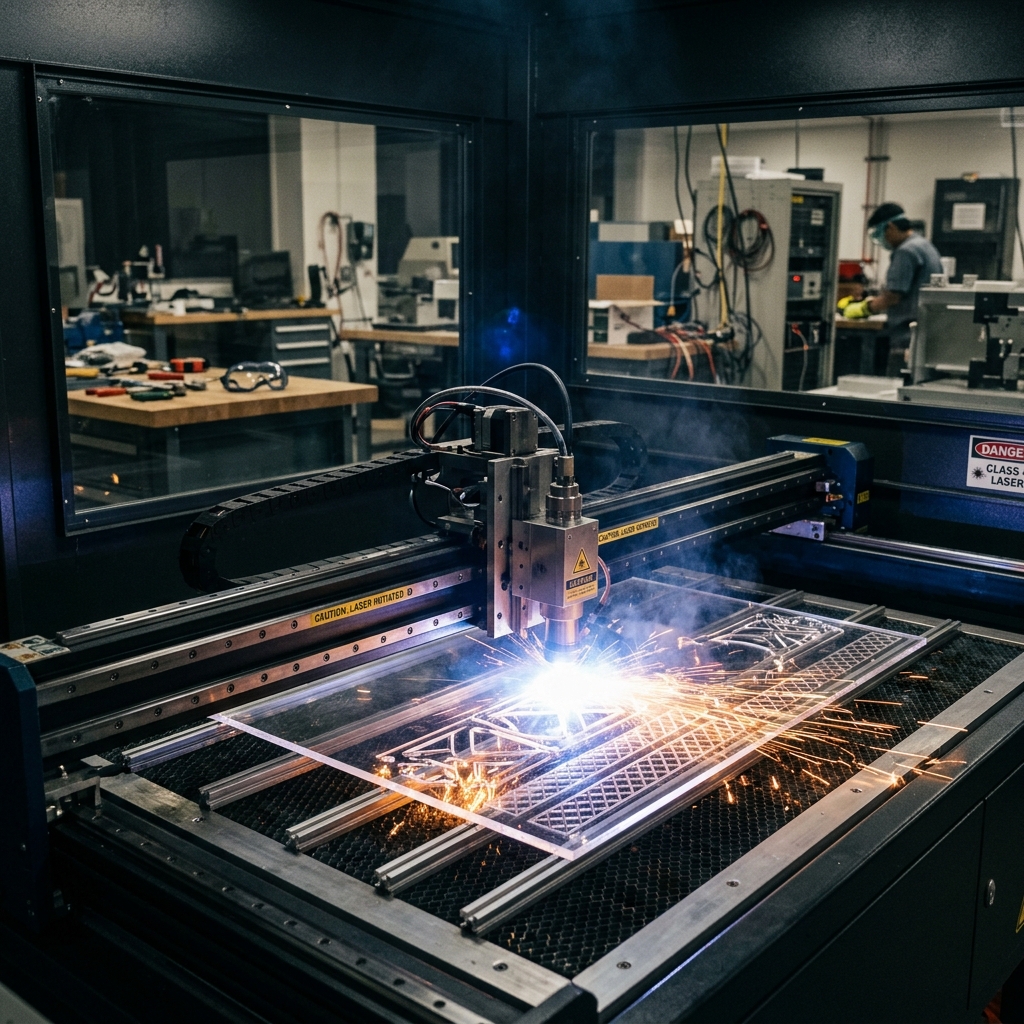
Learn to engrave the Northeastern University logo and your name onto a leather coaster using industrial laser manufacturing technology.
A high-power laser beam removes material through melting, burning, and vaporization — leaving a permanent, high-quality mark. This process is heavily used for part traceability in industry.
🎯 Today's Goals
What you will master in this session
Laser Safety
Understand and apply workplace and laser safety precautions specific to the LS900.
Gravostyle Software
Create a composition with the NU logo and your name, then submit the job to the machine.
Operate the LS900
Transfer files, position the coaster, focus the head, and execute the engraving.
⚠️ Lab Safety Rules
Required before entering the lab
🚨 Never Operate Alone
Do NOT touch or operate any machine without a lab technician or TA present. Laser radiation is invisible and potentially hazardous to skin and eyes.
👓 Safety Glasses
Required at all times in the lab environment — from the moment you enter.
👟 Closed-Toe Shoes
Leather preferred. Required for lab entry — no exceptions.
💇 Tie Back Hair
Long hair must be secured away from all moving parts before entering.
🚫 No Jewelry
No rings, watches, or dangling accessories when operating equipment.
🔴 Laser Safety Instructions
Invisible radiation — extremely hazardous
⛔ Critical Laser Hazards
- Laser radiation is invisible — direct or scattered exposure is hazardous to skin and eyes.
- This laser can produce dangerous diffuse reflections, risking eye injury and fire.
- Do NOT look at the laser beam continuously, not even through protective glass.
- Only trained personnel aware of the risks are authorized to use the machine.
🏭 Workstation Safety
Machine operating requirements
Always Use Protective Covers
Never operate the machine without protective covers properly mounted.
Check Doors
Never operate if doors are damaged or do not close properly.
Fume Extraction Required
A properly configured fume/gas extraction system must be running before operating the laser.
Power Off for Maintenance
Always power off the machine before beginning any cleaning or maintenance.
🖥️ LS900 Front Components
Know your machine before operating it
🎮 Control Panel Functions
Every button on the LS900 keypad
| # | Button | Function |
|---|---|---|
| 1 | Check | Access menus, move to next screen, validate entered data. |
| 2 | Air Assist | Activates air assist during marking to remove debris. |
| 3 | Select File | Displays next file in machine memory (becomes current file). |
| 4 | Start | Begins the engraving process on the current file. |
| 5 | Joystick | Moves the head in X, Y, Z directions; navigates menus. |
| 7 | Cancel | Exit menu without saving; return to main screen during pause. |
| 8 | Autofocus | Automatically adjusts focus along the Z axis. |
| 9 | Positioning Pointer | Activates a low-power laser beam to show the marking position. |
| 10 | Pause | Suspends the engraving process mid-job. |
| 11 | Focus Adjustment | Manually adjusts focus in the Z axis direction. |
🚦 Indicator Lights and Movement
Reading the machine status and jogging the head
Green Light
ON: Machine is initializing.
OFF: File processing complete,
ready to receive a file, or paused.
Red Light
ON: Machine is initializing.
OFF: Ready to receive a file or
paused.
FLASHING: Machine is actively engraving.
Joystick Movement
Press and hold left/right arrows on joystick
Press and hold up/down arrows on joystick
Press Z key, then use the Y movement keys
🖥️ Gravostyle Software
Creating your laser engraving composition
Power On: Switch on the PC connected to the machine, then switch on the machine. Wait for start-up to complete.
Set Page Size: Adjust the page size in Gravostyle to match the maximum size of the engraving area on the machine.
Import the NU Logo: Import the Northeastern University logo file. Set fill to black, contour to none.
Add Your Name: Enter your name as a text element. Set to black fill, no contour as well.
Position Using Circle Guide: Create a circle the same diameter as the coaster. Position it to match the coaster's location on the table. Place the logo and text inside it. Remove the circle before printing.
📐 Composition Layout
How to position logo and name on the coaster
Dashed circle = coaster boundary (remove before printing)
- ✅ Place composition in the top-left corner of the Gravostyle page
- ✅ Logo and text must have black fill, no contour
- ✅ Measure the coaster and scale the circle to match exactly
- ✅ Position the circle to match the coaster location on the table
- ⛔ Remove the circle before sending the job to the machine
📤 Transferring the File
Sending your composition to the LS900
Check USB Connection: Confirm the USB cable is securely connected at both ends — the PC and the rear panel of the machine.
Verify Machine Status: The machine's LCD screen must display "Ready to receive" before you attempt to transfer.
Click Print in Gravostyle: A status screen shows work completion as a percentage. The file may take several minutes to fully transfer. Wait until the machine display updates before proceeding.
Confirm Transfer: Once complete, the machine display shows the file name and key engraving parameters, confirming the job is loaded and ready.
🎯 Positioning and Focusing
Placing the coaster and setting the focal height
Position the Coaster
Open the front door. Place the coaster in the top-left corner of the engraving table against the scaled rulers. This position must match the circle location in your Gravostyle composition.
Focus the Head
Check that the table is low enough that the moving head will not touch the coaster. Press Autofocus to automatically set the focal height. Autofocus runs at each launch by default.
💡 Quiz Hint (Z Levels): The laser beam converges to a specific focal point. Moving the Z height away from this optimal distance changes the beam focus, causing the spot size to increase and energy to disperse. Properly focused = deeper, sharper marks; out of focus = lighter, more diffuse marks.
▶️ Engraving Checklist
Seven steps before pressing Start
Switch on the air extraction system.
Select the engraving mode. Your TA will specify which of the two available modes to use.
Confirm the coaster is correctly positioned in the top-left of the engraving area, against the rulers.
Check the focus. Press Autofocus if not already done for this coaster.
Close and confirm the door is fully shut.
Confirm the LCD screen displays the correct file name for your composition.
Press the START button. The red light will flash during engraving. Do not open the door.
✅ Lab 3B Complete
Your laser-engraved coaster is ready!
Today's Key Principles:
1. Laser Safety First: Invisible radiation — never bypass safety systems or
open covers during operation.
2. Extraction is Essential: Never run the laser without the fume extraction system
switched on.
3. Precision Layout: Top-left in Gravostyle = top-left on the physical table.
Alignment is everything.
4. Black Fill, No Contour: Correct Gravostyle settings are critical for a clean,
consistent engrave.